Best Free Antivirus Software for Your PC

Virus protection does not have to cost anything: Windows ships with Microsoft Defender, and several vendors offer free versions with no time limit. But free does not automatically mean complete. This list presents five programs and checks for each one what the free version really delivers.

Updated October 2026

Three questions matter most: does the program protect you continuously in the background (real-time protection) or only when you run a manual scan? Is the free version available without a time limit? And how hard does the interface push you toward the paid edition? Where a free version is clearly limited, we say so in plain words, even for well-known names.

We checked all details on 22 October 2026 against vendor information and recent test reports. Lab results and prices can change, so please confirm them with the vendor before you download.

Our pick

Avast One Free Antivirus

Well-known virus protection with real-time scanning, but heavy on paid-version ads

Free foreverReal-time protection includedLimited featuresWith upgrade prompts

The free part of Avast One can be used with no time limit and includes real-time virus protection, scam website blocking, a cleanup tool and data breach monitoring. The VPN is only a 60-day trial in the free version. Firewall, webcam protection and automatic software updates are reserved for the paid edition.

Avast One Free Antivirus checks files, downloads, web traffic and email in the background and uses a behavior monitor and a ransomware shield to protect selected folders. Scheduled scans and a do-not-disturb mode for full-screen applications are included. In the June 2026 AV-TEST round the Avast engine got full marks, and in the AV-Comparatives test (March 2026) its online detection was 98.7%.

The price of the free version is advertising: a Go Premium button is always visible, a driver update panel cannot be hidden, and extra software is pre-selected during installation. On privacy, Avast has a past: until 2020 its subsidiary Jumpshot sold browsing data. That business has been shut down, and you can choose in the settings which data is shared.
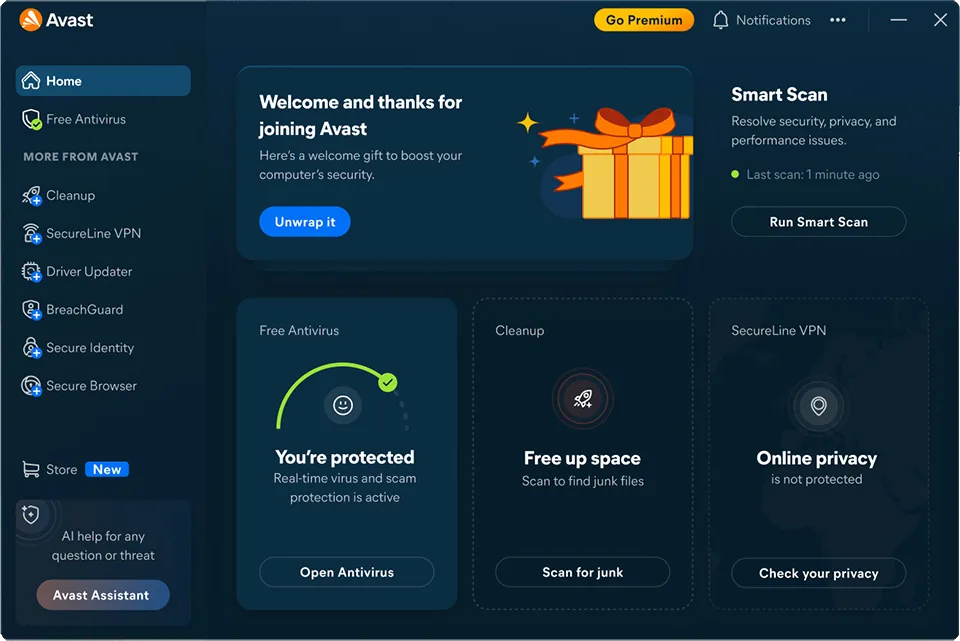
Screenshot of the Avast One Free Antivirus user interface
  • Pro: Real-time, web and email protection in the free version
  • Pro: Ransomware shield for selected folders
  • Pro: Full marks in AV-TEST (June 2026)
  • Pro: Runs on Windows, macOS, Android and iOS
  • Pro: Do-not-disturb mode for games and full-screen apps
  • Pro: Can be used without an account
  • Con: Constant upgrade prompts and a driver panel that cannot be hidden
  • Con: Extra software pre-selected during installation
  • Con: Firewall, webcam protection and software updater are paid-only
  • Con: VPN is a 60-day trial only
  • Con: Privacy history from the Jumpshot scandal
Platform
Windows, macOS, Android, iOS
Our rating
8.6 / 10

AVG AntiVirus Free

Same technology as Avast, simpler layout, but also with upgrade pressure

Free foreverReal-time protection includedLimited featuresWith upgrade prompts

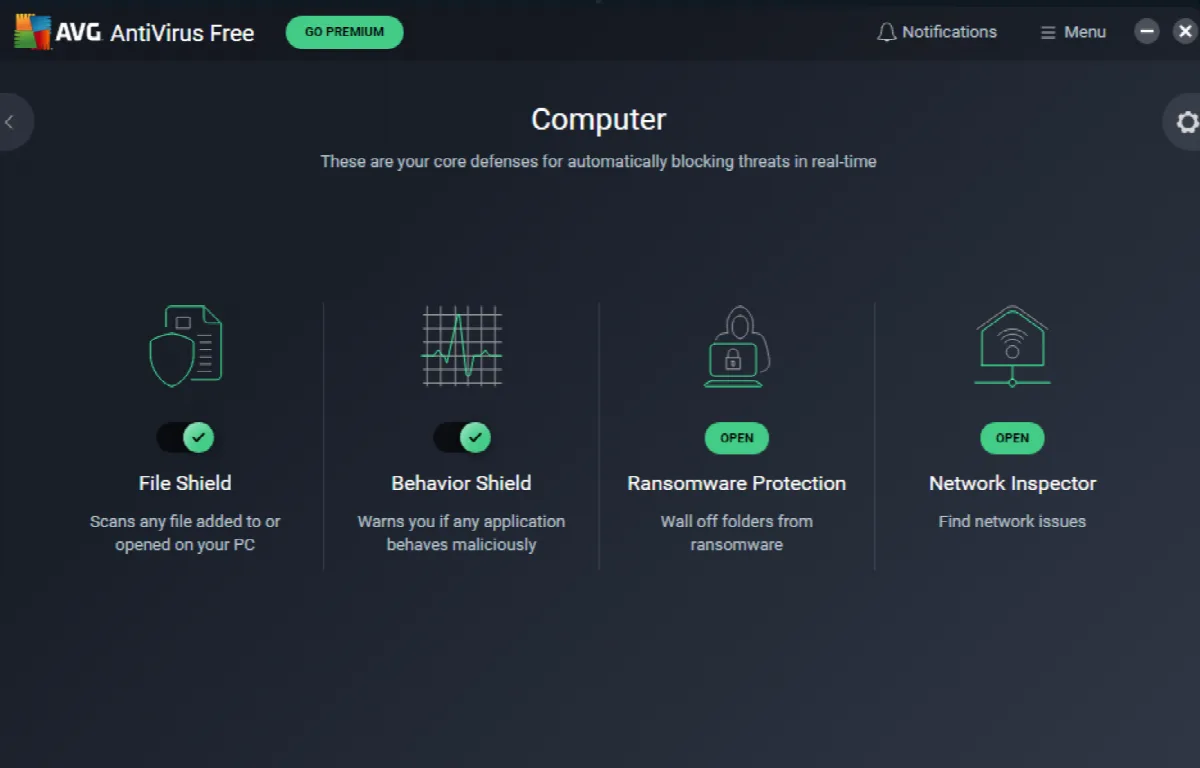
AVG AntiVirus Free can be used with no time limit and offers real-time protection for files, web and email. The advanced firewall protection, webcam protection and automatic app updates are reserved for the paid edition. Like Avast, the software belongs to Gen Digital and uses the same detection engine.

AVG AntiVirus Free protects Windows 7 to 11 as well as macOS, Android and iOS. The Windows version offers file and web protection, email scanning, scheduled custom scans and a file shredder. In AV-TEST (June 2026) AVG got full marks like Avast, and its AV-Comparatives results (March 2026) are identical because both products use the same engine.

The free version is funded by advertising here too: during installation two boxes are pre-ticked (browser install and default browser), a Go Premium button is always visible, and discount banners and trial offers appear. On privacy the same applies as for Avast: until 2020 the group sold browsing data through Jumpshot and has since shut that business down.

Screenshot of the AVG AntiVirus Free user interface
  • Pro: Real-time protection in the free version
  • Pro: Full marks in AV-TEST (June 2026)
  • Pro: Windows 7 to 11, plus macOS, Android and iOS
  • Pro: Scheduled scans and file shredder
  • Pro: Cleaner layout than Avast One
  • Con: Advanced firewall, webcam protection and app updates are paid-only
  • Con: Two pre-ticked boxes during installation
  • Con: Permanent upgrade button, discount banners and trial offers
  • Con: Same engine as Avast, so no added variety
  • Con: Privacy history of the group
Platform
Windows, macOS, Android, iOS
Our rating
8.4 / 10

Microsoft Defender Antivirus

Already built into Windows, ad-free and with nothing extra to install

Free foreverReal-time protection includedBuilt into Windows

Microsoft Defender Antivirus (formerly Windows Defender, now part of Windows Security) is a standard component of Windows 10 and 11. It costs nothing extra, runs in the background and gets its updates through Windows Update. If you install another antivirus, Defender switches itself off. For Mac and Android, Defender is only available as part of a paid Microsoft 365 subscription.

Defender protects in real time by default, includes a cloud connection and works with the Windows SmartScreen filter, which blocks dangerous websites and downloads. There are no ads and no upgrade buttons. In AV-TEST (June 2026) Defender scored 6, 5.5 and 6 out of 6, and in AV-Comparatives (March 2026) its online detection was 98.1% with only 3 false alarms. Offline, the figure was clearly lower at 89.2%.

The limits are in the extras: there is no VPN, password manager or parental control, and no monitoring for data breaches. According to PC-WELT, Defender is usually enough for an average home user who is mostly online. The price is the telemetry that Windows sends anyway.

  • Pro: Already included in Windows 10 and 11, no download needed
  • Pro: Real-time protection on by default
  • Pro: No ads and no upgrade buttons
  • Pro: Strong lab results with few false alarms
  • Pro: No second vendor and no extra account
  • Pro: Automatic updates through Windows Update
  • Con: Windows only; Mac and Android require a paid Microsoft 365 subscription
  • Con: Offline detection clearly weaker than online in the test
  • Con: No VPN, password manager or parental controls
  • Con: No data breach monitoring
  • Con: Windows telemetry is sent along
Platform
Windows 10, Windows 11
Our rating
8.3 / 10
● Software in the Spotlight

Your software deals in the spotlight

In addition to the list: current giveaways and discounts from software providers.

All deals on the home page

Bitdefender Antivirus Free

Lean free virus protection with real-time scanning and few ads

Free foreverReal-time protection includedLimited features

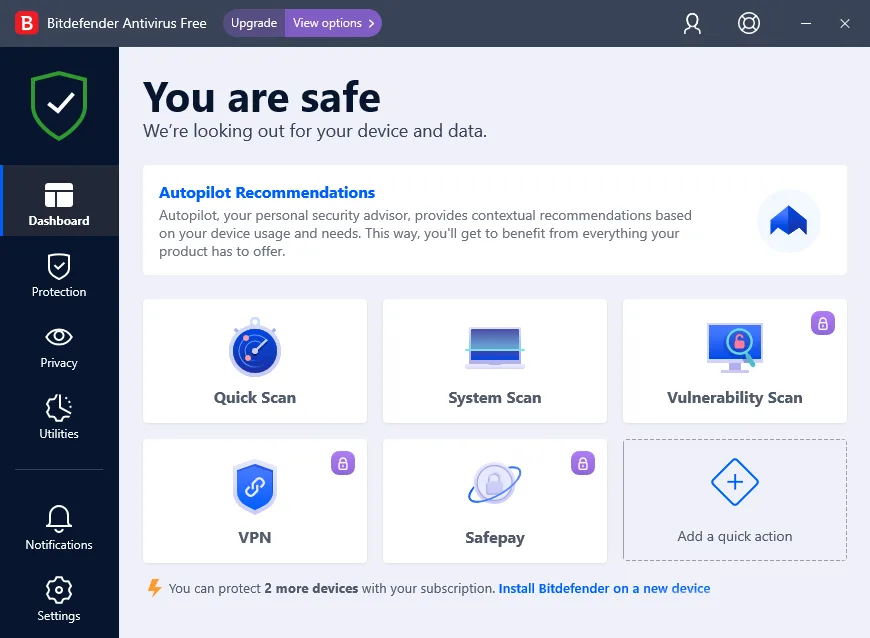
According to several tests, Bitdefender Antivirus Free is a Windows version that stays free with real-time protection, web protection and basic ransomware protection. Firewall, VPN, password manager, parental controls and data breach monitoring are reserved for the paid edition, as are all other platforms such as macOS, Android and iOS.

Bitdefender Antivirus Free uses the same scan engine as the vendor's paid products and protects Windows 10 and 11 in real time. Features include malware, web and ransomware protection and a manual USB scan. The Bitdefender engine reached 97.6% in AV-Comparatives (March 2026) with 4 false alarms. These results mostly refer to the paid products and apply to the free version only approximately.

In everyday use the free version stands out for showing few ads: one test saw an upgrade dialog at sign-in and a small upgrade button in the title bar. In return there are hardly any settings, and there is no firewall of its own, so you rely on the Windows firewall.

Platform
Windows 10, Windows 11
Our rating
8.1 / 10
Screenshot of the Bitdefender Antivirus Free user interface
  • Pro: Real-time, web and ransomware protection for free
  • Pro: Same scan engine as the paid products
  • Pro: Few ads compared with Avast and AVG
  • Pro: Lean and without bundled software
  • Pro: Strong detection results of the engine in lab tests
  • Con: Windows 10 and 11 only
  • Con: Hardly any settings
  • Con: No firewall of its own, no VPN and no password manager
  • Con: Setup may require a Bitdefender account
  • Con: Lab results mostly refer to the paid products

Avira Free Security

Free security package with real-time protection and extras, but tight limits

Free foreverReal-time protection includedLimited featuresWith upgrade prompts

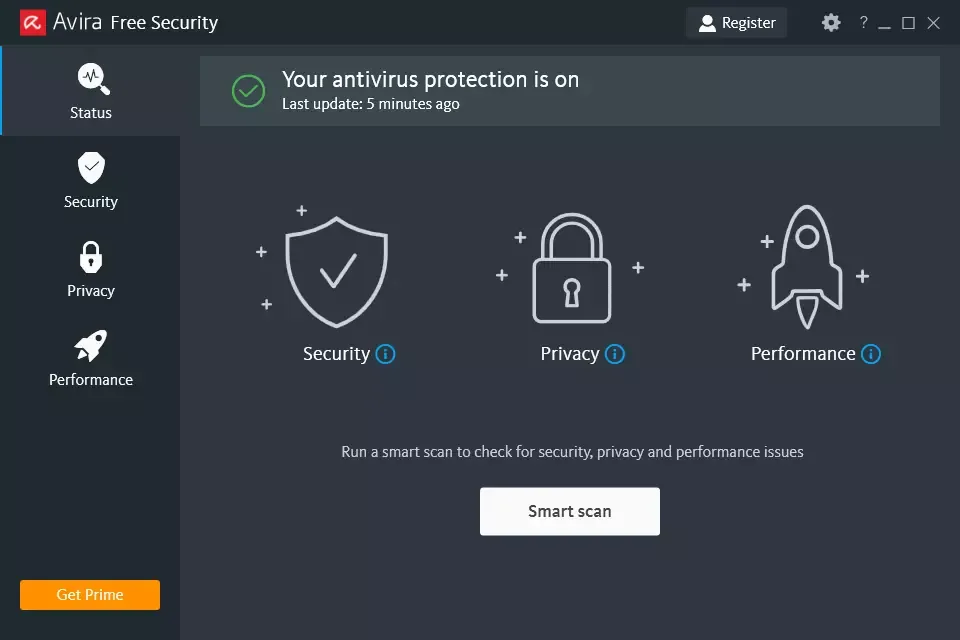
Avira Free Security can be used with no time limit and without an account. It includes real-time virus protection, a browser protection extension, a basic password manager, a file shredder and a VPN. The VPN is capped at 500 MB per month. Firewall, unlimited VPN and automatic app and driver updates are reserved for the paid edition.

Avira Free Security uses cloud-based detection with behavior monitoring and works without registration, so there is no device limit. It also offers a basic password manager, a file shredder, a check for outdated software and drivers, and a free browser extension that blocked about 90% of phishing URLs and malicious downloads in one test. In AV-TEST (June 2026) Avira scored 6, 4.5 and 6 out of 6.

The limits are in the extras: system-wide web protection and fixing most findings from the Smart Scan are paid, and with 500 MB a month the VPN is more of a trial. The interface often promotes the paid edition and a 60-day trial. If you only use the normal quick scans, you will notice this less.

Platform
Windows, macOS, Android, iOS
Our rating
7.8 / 10
Screenshot of the Avira Free Security user interface
  • Pro: Real-time protection with behavior monitoring for free
  • Pro: Works without an account, no device limit
  • Pro: Password manager, file shredder and browser protection included
  • Pro: Windows, macOS, Android and iOS
  • Pro: Good protection and usability scores in AV-TEST (June 2026)
  • Con: VPN capped at 500 MB per month
  • Con: Firewall and automatic app and driver updates are paid-only
  • Con: System-wide web protection is paid-only according to one test
  • Con: Frequent upgrade prompts and a 60-day trial offer
  • Con: Lower performance score in AV-TEST (4.5 out of 6)

What does “free” mean?

The labels used in this list at a glance.

Free forever

The software can be used for free without a time limit.

Real-time protection included

The program protects you continuously in the background, not only during manual scans.

Built into Windows

Part of the operating system, nothing to install or buy.

Limited features

Some features are reserved for the paid version.

With upgrade prompts

The interface regularly promotes the paid version.